Importing from Together
Scrappy can import Together libraries. Together v3.8.7 or later is required.
First, export the library from Together:
- Open Together
- Choose File > Library > Export Library from the main menu
- Select Include metadata and set the format to Property List
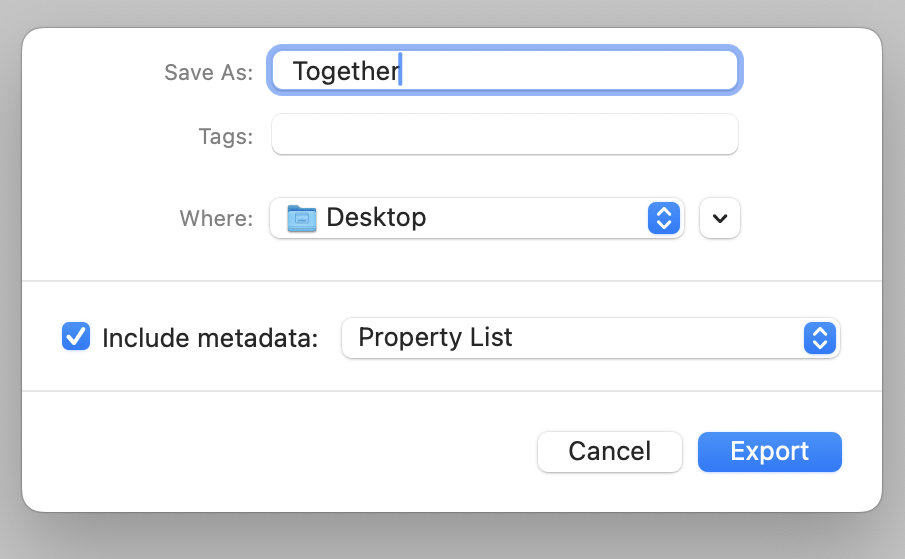
- Click Export
Together will start exporting the files. Once the export is completed:
- Open Scrappy
- Choose Scrappy > Library > Import Library from the main menu
- Choose the folder exported by Together
- Click Import
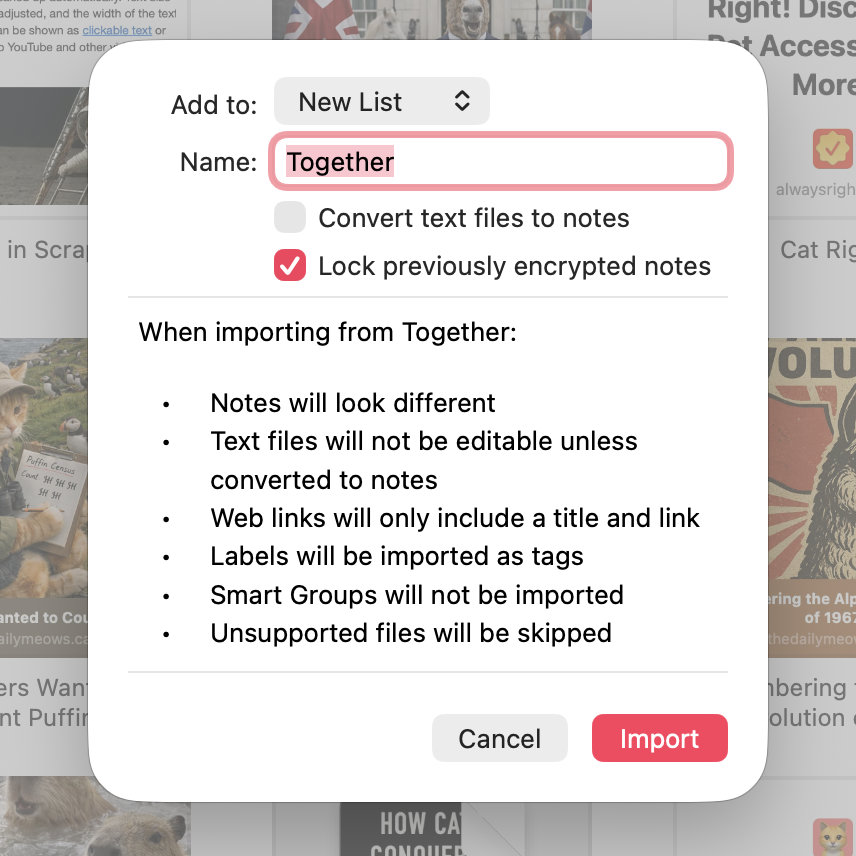
- Use the Add to pop-up to choose whether to add the imported files to the top-level, or a list with the name of your choice
- Select Convert text files to notes if you want rich and plain text to become editable notes in Scrappy
- Click Import