Upgrading to Keep It 2 for Mac
Keep It 2 is a major new version and a new license is required if you are not a subscriber.
Whether or how much you need to pay depends on when you purchased the earlier version:
- If you paid for Keep It 1.x either directly from Reinvented Software or from the Mac App Store on or after May 4, 2021, you qualify for a free upgrade.
- If you purchased Keep It 1.x before May 4, 2021, you qualify for a half-price discount.
- Alternatively, you can continue to version 1.x at no extra charge.
If you do not wish to upgrade, you can download and continue to use Keep It 1.11.16 for as long as it keeps working — if you originally downloaded Keep It from the Mac App Store, see these instructions on how to prevent the Mac App Store from replacing that with the latest version.
Go to the Keep It downloads page to get the latest version, and either upgrade or claim your free license by clicking the Upgrade button shown whenever the app starts up:
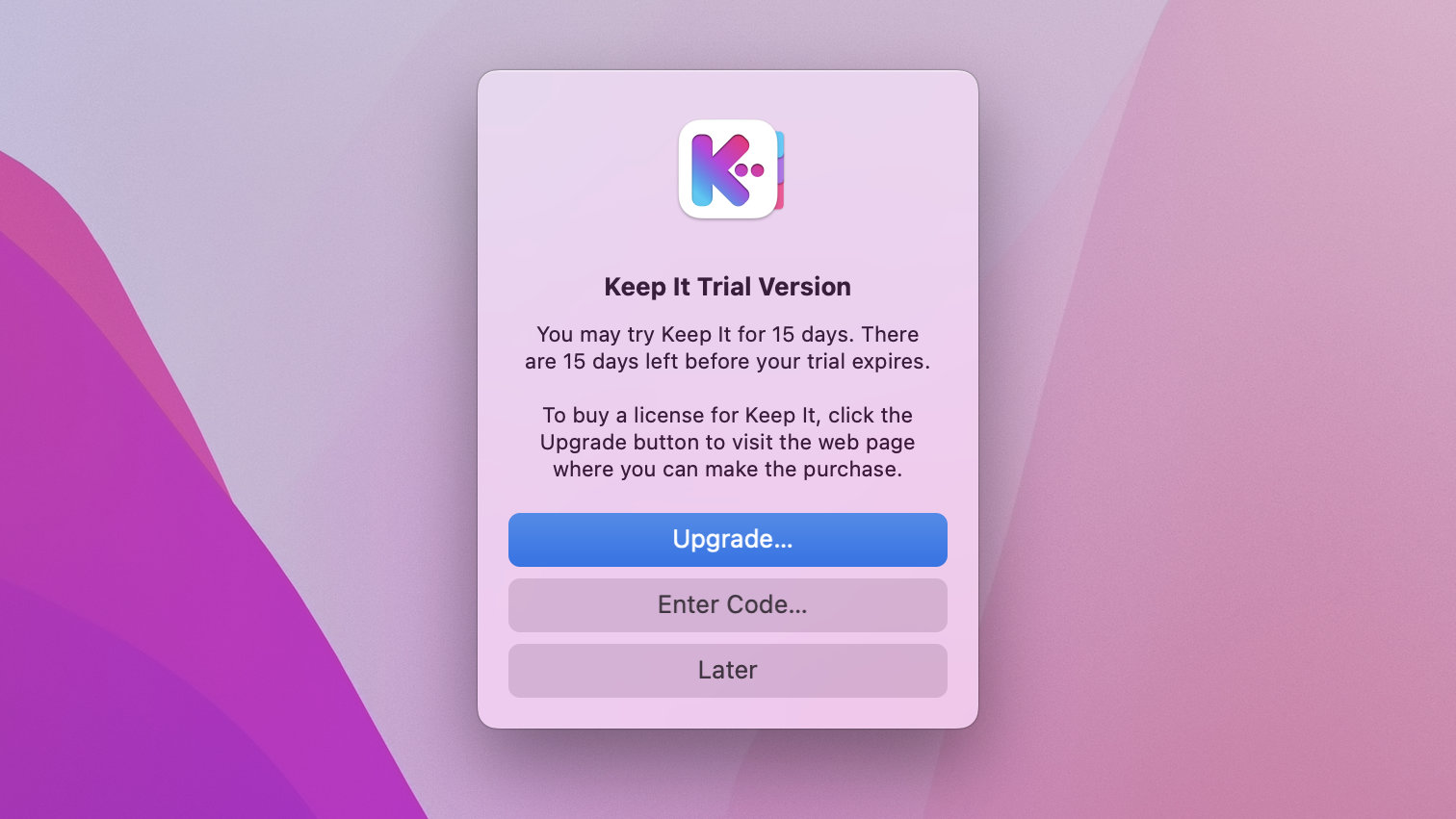
Alternatively, if you originally purchased Keep It from Reinvented Software, go to the store, choose an Upgrade license, and enter your Keep It 1.x registration code to get the discount or free upgrade before checking out.
If you originally purchased v1 from the Mac App Store, then after purchasing the version from this site, do the following to prevent the Mac App Store from replacing that download with its own every time there is new version:
- Choose App Store from the Apple menu
- Click on your account name at the bottom of the sidebar
- Hover the mouse over Keep It
- Click the … button and choose Hide Purchase from the menu shown