Importing from Notes
Scrappy can import from the Notes app using the Scrappy Notes Importer, which you can download from here:

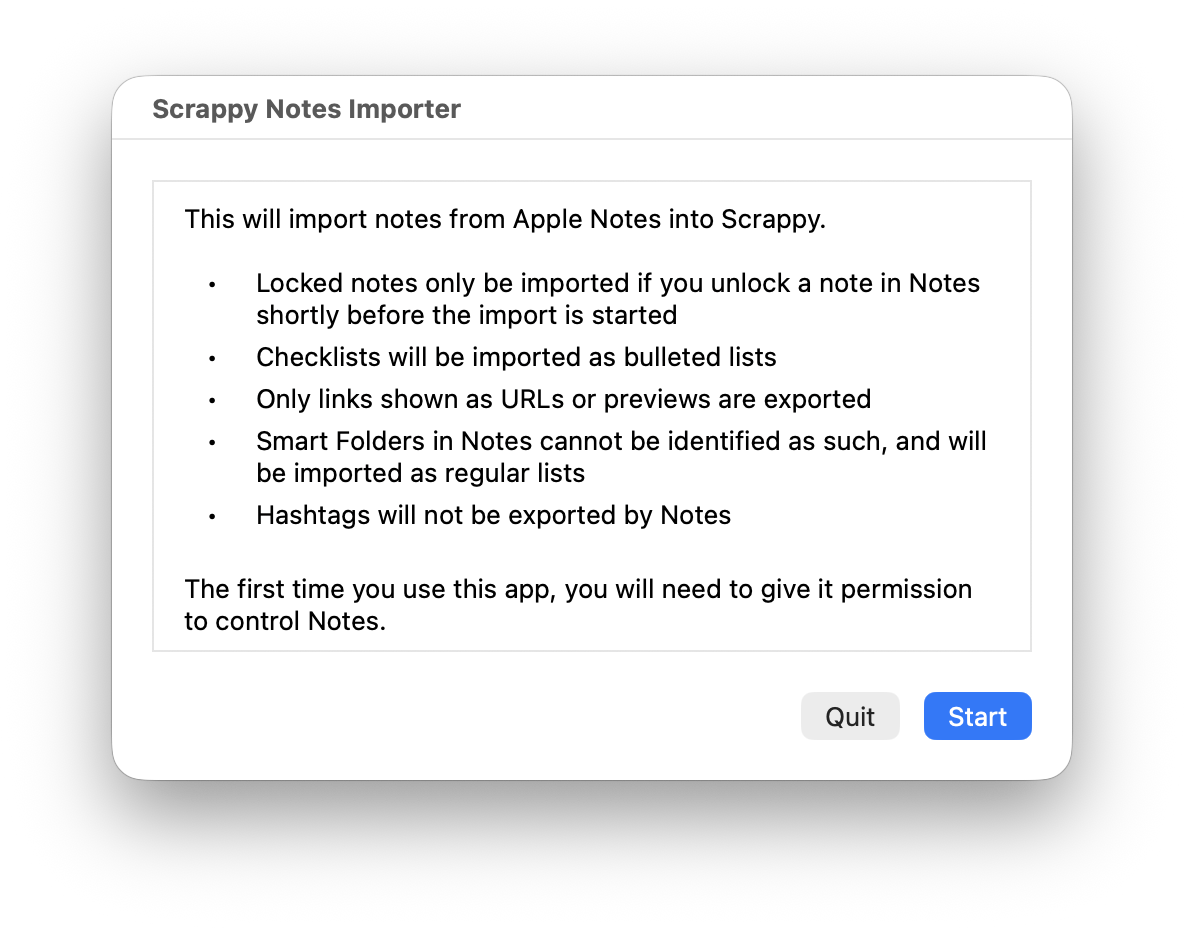
Once downloaded, open the app and you'll see the following:
To perform the import:
- If you need to import locked notes, you need to unlock one note in the Notes app immediately before starting the import, or locked notes will be skipped
- Click the Start button
- If an alert appears, allow the installer app to control Notes
Once the export from Notes has completed, Scrappy will open and show the following:
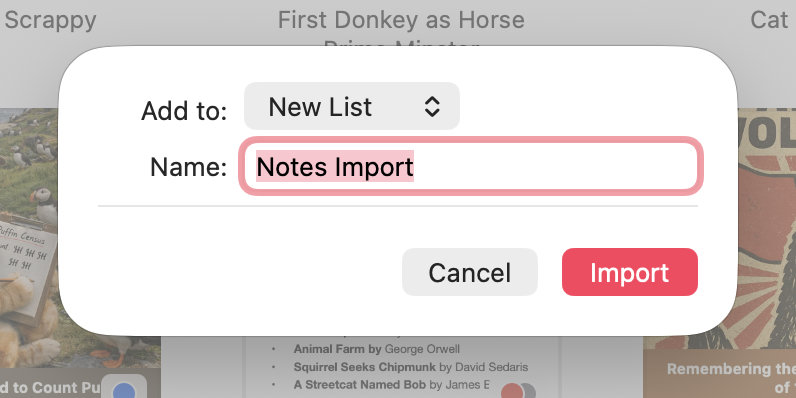
- Use the Add to pop-up to choose whether to add the imported files to the top-level, or a list with the name of your choice
- Click Import, and Scrappy will start importing the notes