Importing from Yojimbo
Scrappy can import from Yojimbo using the Scrappy Yojimbo Importer, which you can download from here:

Once downloaded, open the app and you'll see the following:
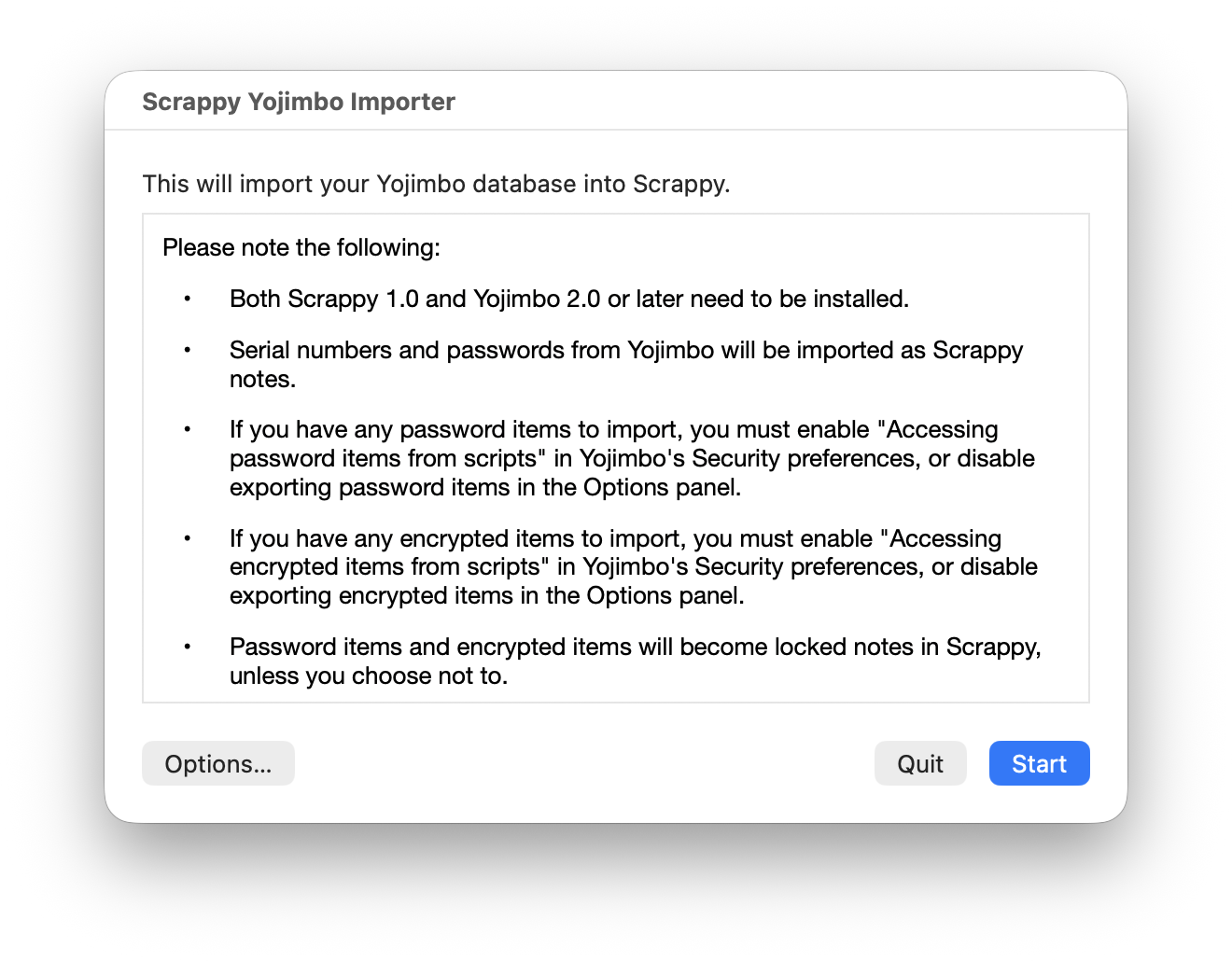
Before starting the import:
- If you have any password items to import, you must enable "Accessing password items from scripts" in Yojimbo's Security settings, or click the Options button in the installer to disable exporting password items.
- If you have any encrypted items to import, you must enable "Accessing encrypted items from scripts" in Yojimbo's Security settings, or click the Options button in the installer to disable exporting encrypted items.
To perform the import:
- Click the Start button
- If an alert appears, allow the installer app to control Yojimbo
Once the export from Yojimbo has completed, Scrappy will open and show the following:
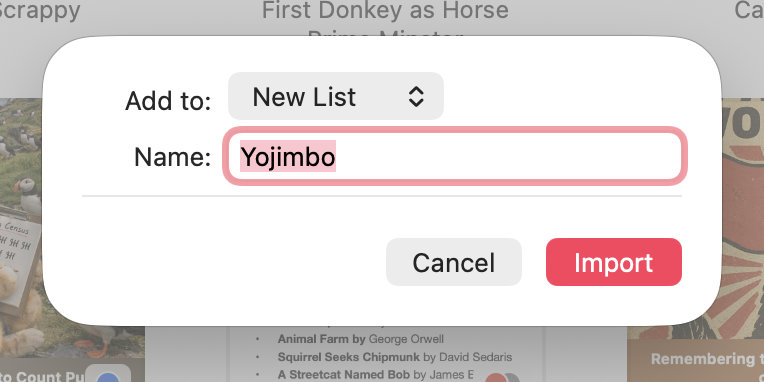
- Use the Add to pop-up to choose whether to add the imported files to the top-level, or a list with the name of your choice
- Click Import, and Scrappy will start importing the notes